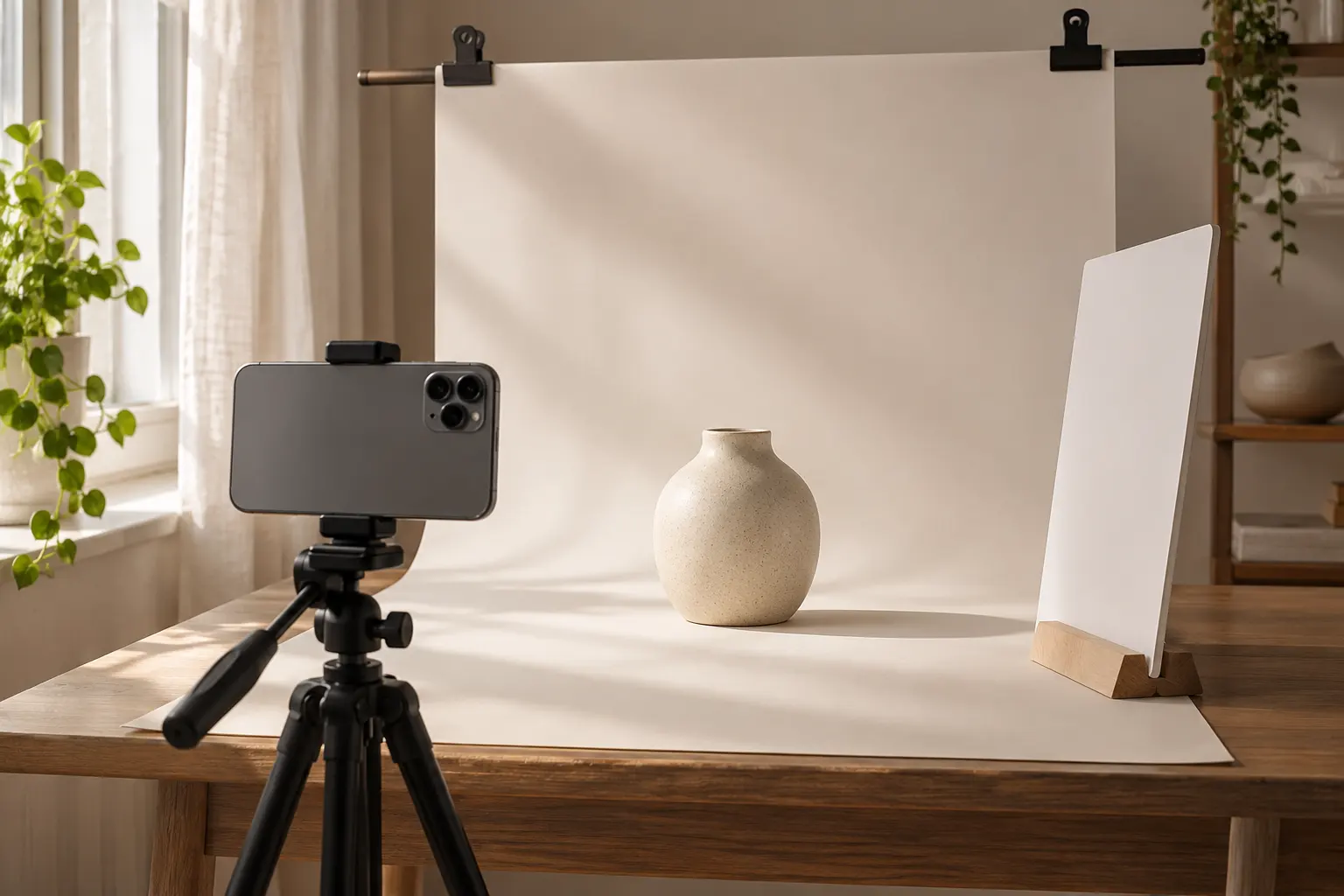
When an image takes too long to load or exceeds a listing upload limit, the instinct is often to drag the quality slider as low as it will go. That can make the file lighter, but it can also destroy the details a buyer needs: fabric weave, packaging text, edges and surface finish. A better approach starts with the image dimensions and ends with a visual check.
1. Keep a clean original
Save the untouched camera file separately. If you compress an image, download it, compress the download, and repeat, you may introduce additional loss with each export. Work from the original when you need a different size or format. Check that the original is in focus; compression cannot repair a blurry photograph.
For a product listing, prepare a hero view that shows the entire item, a detail image that reveals texture and a context image that conveys scale. An accurate photo is more useful than an artificially sharpened one.
2. Reduce unnecessary pixels before reducing quality
A 4,000-pixel-wide camera photo may be larger than the destination needs. If the marketplace asks for a smaller image, resize to suit its current requirements first. For a general-purpose draft, 1,200 pixels on the longest side is a reasonable starting point—not a universal rule. Always check your selling platform's documentation.
Start with a 4,000 × 3,000 image. Keep an original. Export a 1,200 × 900 copy, then compare a JPG or WebP version at moderate quality with the original at the same on-screen size. Your actual file size will depend on the photo.
3. Pick the right format
- JPG: a dependable option for photographs and marketplaces that specify JPEG uploads. It does not preserve transparency.
- WebP: often makes efficient photographic files and can preserve transparency. Use it when the destination accepts it.
- PNG: valuable for logos, flat graphics and transparency. Photographic PNG files can be much larger.
Changing the extension alone does not convert a file. Export it in the format the destination actually supports. See the format decision guide for a deeper comparison.
4. Inspect three details at normal viewing size
Open the exported file on a phone and desktop if possible. Zoom to check small labels, fine edges and textured materials. Then zoom out to the size buyers will actually see. Compare color, not just sharpness. If an important feature is smeared, raise quality, keep more pixels or choose another format.
Do not promise a fixed percentage reduction. A simple product against a plain background may compress differently from a detailed textile or a noisy low-light photograph. Files that were already optimized may not shrink at all.
5. Check the complete listing
- Keep the original and name the export clearly.
- Check your marketplace's latest format, dimension and background requirements.
- Confirm the item is not cropped accidentally.
- Inspect text, texture, color and condition after export.
- Check the listing preview at thumbnail size before publishing.
For Indian sellers, the same workflow works for marketplace listings and catalog messages, but each channel can impose its own limits. Keep separate export presets for each destination rather than using one image everywhere.
Bottom line: reduce redundant pixels, pick a suitable format and inspect the result. Quality is a buying-confidence decision, not only a file-size number.
One small next step.
Use Manglo's free toolkit to put the ideas in this guide into practice. No sign-up required.
Try the free image compressor →